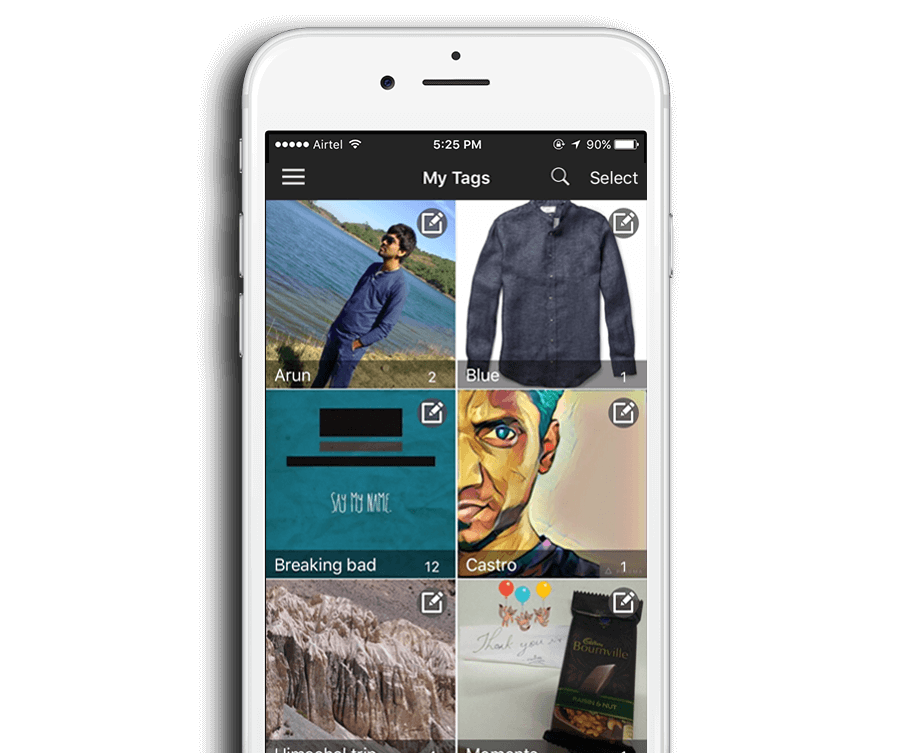
Select one or more images (or videos), select the "Add Tag" icon, key in your tag name to create your own tag.
As simple as that!
Create multiple tags if needed for easier access to your favourite images and videos.
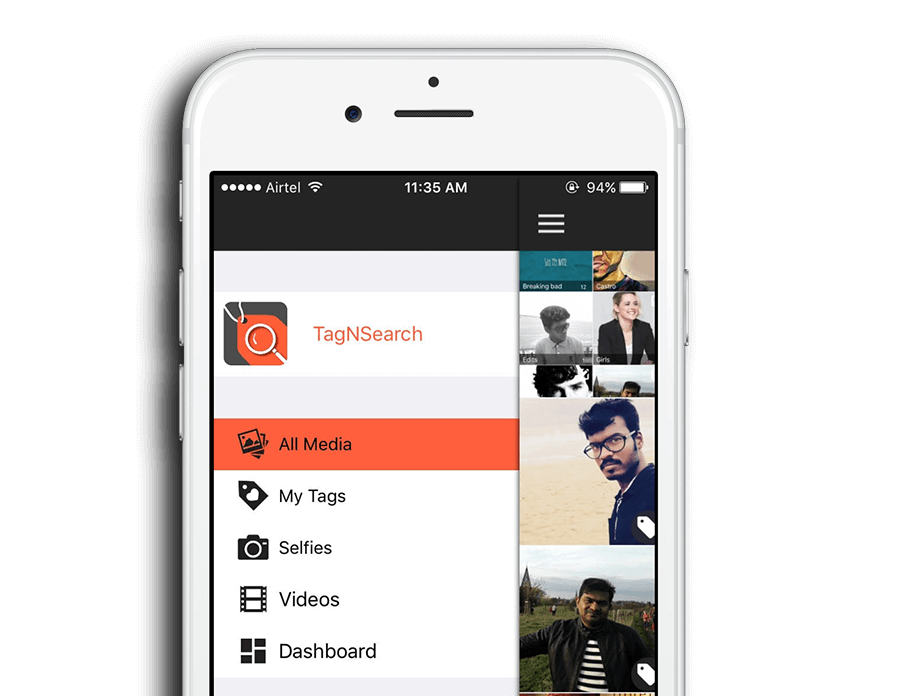
Want to change the tag name?
Go to the "My Tags" folder to edit the tag name for all media tagged to it.
We built it to make life easier for you, so that you don't have to change tag names for individual images.
Use the search function to key in the tag name and find the tagged media quickly.
Find and share images and videos quicker than you can say "rumplestiltskin!"
Go ahead, we dare you to!